Best Forex Trading Platforms in India for Beginners Compared

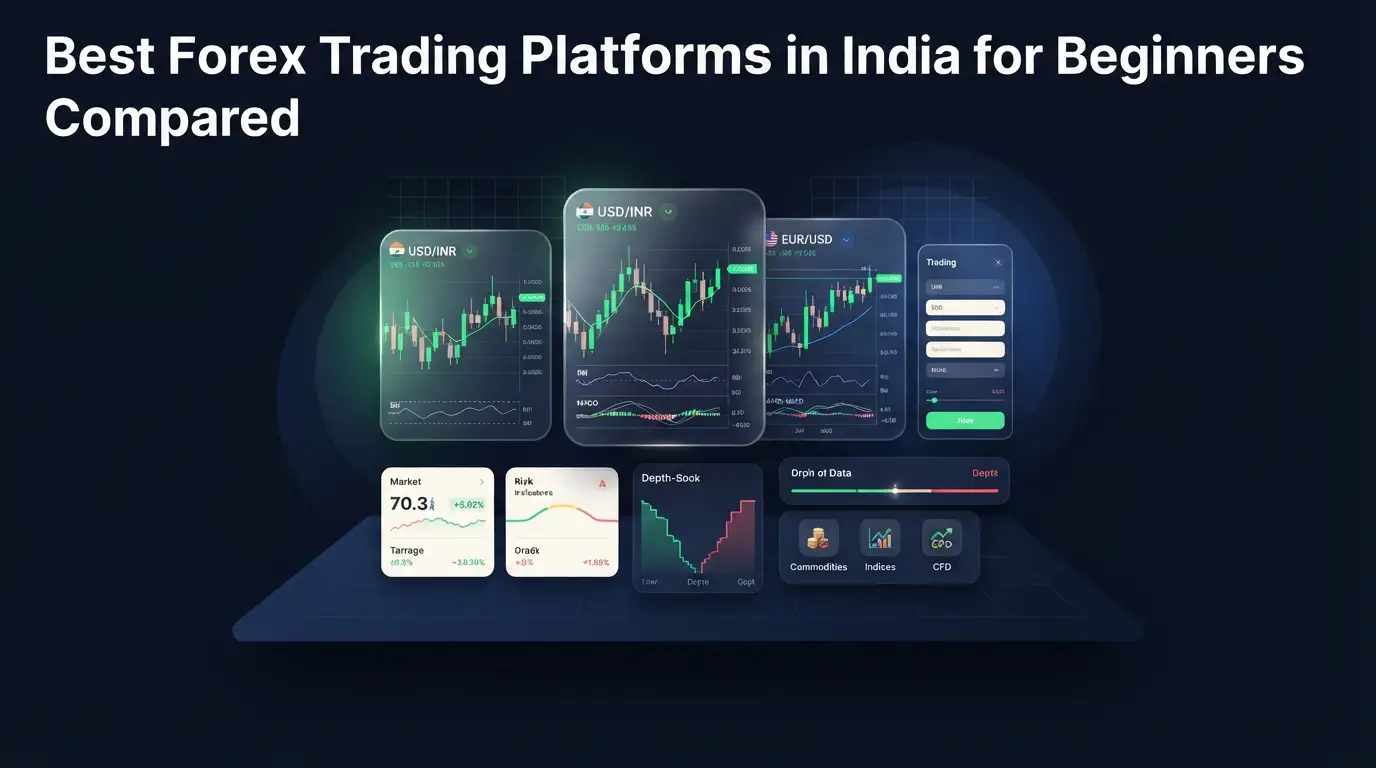
Choosing the right forex trading platform in India is one of the most important decisions a beginner trader will make. A platform is the software that connects a trader to the forex market — it is where charts are read, orders are placed, and trading decisions are executed. In 2026, the range of platforms available is wider than ever, with options suited to different trading styles, experience levels, and devices. This listicle compares five leading forex trading platforms, explains what each one offers, and identifies which are supported by M4Markets as a regulated forex and CFD broker.
Top 5 Forex Trading Platforms Compared
| Platform | Best For | Availability |
| MetaTrader 5 | Overall trading & automation | Desktop, web, mobile |
| MetaTrader 4 | Traditional forex trading | Desktop, web, mobile |
| cTrader | Scalping & ECN execution | Desktop, web, mobile |
| TradingView | Charting & technical analysis | Web, desktop, mobile |
| TradeLocker | Modern web & mobile trading | Web, mobile |
1. MetaTrader 5 — Best Overall Forex Trading Platform
MetaTrader 5 (MT5) is the most comprehensive forex trading platform available in 2026, combining advanced charting, technical analysis, and automated trading in a single environment. Developed by MetaQuotes, MT5 supports more timeframes, more technical indicators, and deeper market data than its predecessor. For traders who want a long-term home for their trading journey — from beginner to experienced — MT5 is widely regarded as the strongest all-round option.
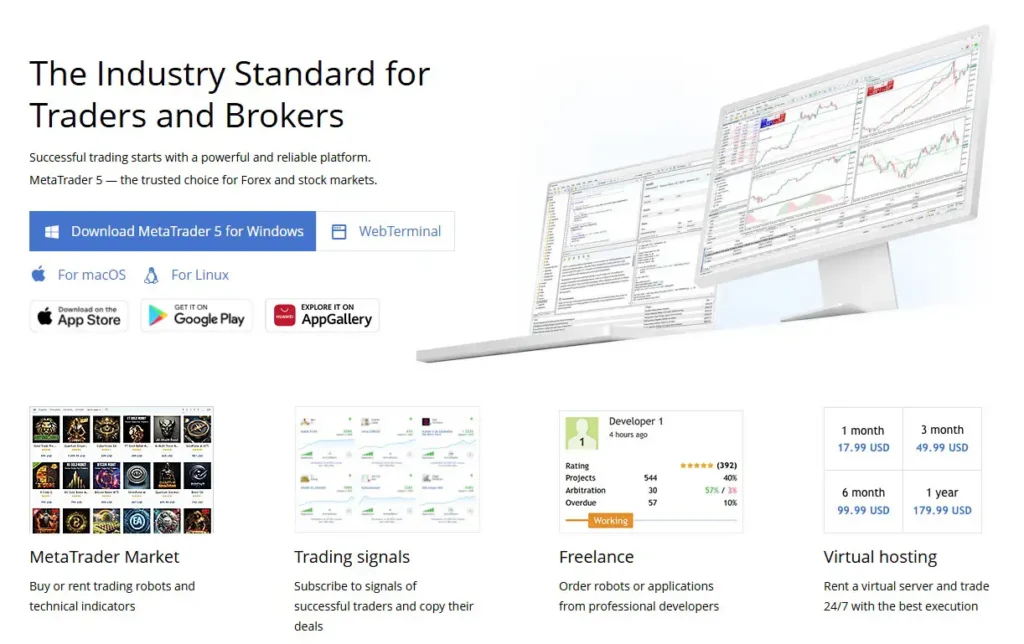
What MT5 offers:
- 38 built-in technical indicators and 44 analytical objects
- Market depth (Level II pricing) for understanding supply and demand
- Expert Advisors (EAs) for automated trading without manual intervention
- Multi-asset access including forex pairs, CFDs, stocks, and commodities
- Integrated economic calendar and financial news feed
Spread and execution: MT5 supports multiple order types including market, limit, stop, and stop-limit orders, giving traders precise control over entry and exit. Spreads vary by broker, so it is important to verify the trading conditions offered by each forex broker before opening a live account.
Who MT5 is best for: Beginners who want room to grow, and experienced traders running automated strategies through Expert Advisors. MT5 is also well-suited to traders interested in forex trading fundamentals before progressing to live markets.
Availability: Desktop (Windows, macOS), web browser, mobile app (iOS and Android).
2. MetaTrader 4 — Best for Traditional Forex Trading
MetaTrader 4 (MT4) remains one of the most widely used forex platforms in the world. Launched in 2005 by MetaQuotes, MT4 established the standard for retail forex trading platforms and continues to be the first choice for a large share of active forex traders globally. Its interface is clean, its learning curve is manageable for beginners, and its ecosystem of custom indicators and Expert Advisors is enormous.
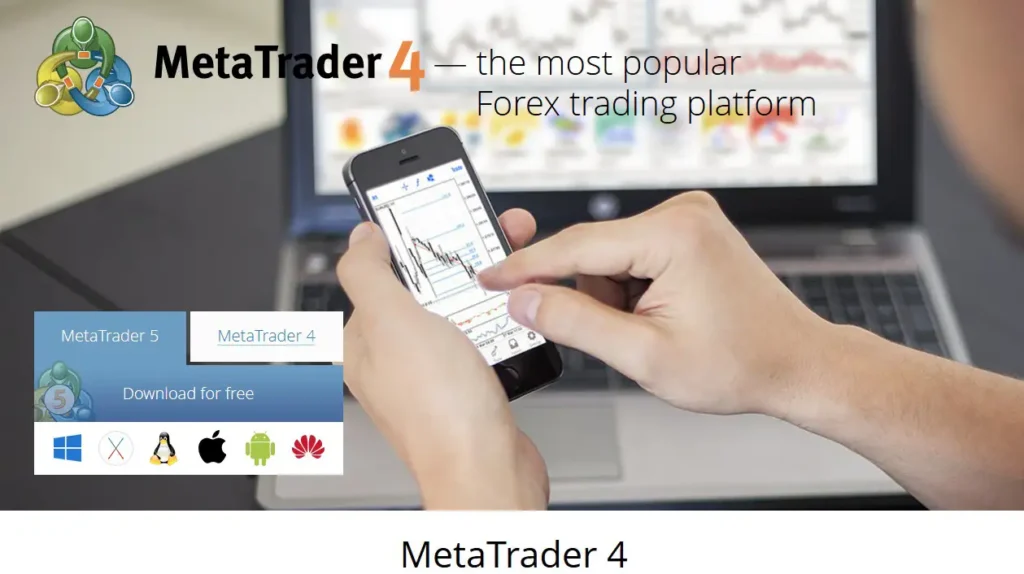
What MT4 offers:
- 30 built-in technical indicators and 9 timeframes
- Custom indicator support via MQL4 programming language
- Expert Advisors for automated trading and strategy backtesting
- Simple, familiar interface recognised across thousands of forex brokers
- One-click trading for faster order execution
MetaTrader platforms and the beginner advantage: For a beginner, MT4’s relative simplicity compared to MT5 can be an advantage. The platform’s layout is intuitive, and the abundance of community-created indicators means a new trader can access a broad range of analytical tools without building anything from scratch. Traders who want to practice forex trading before risking real capital will find MT4’s demo account functionality straightforward to use.
Spread transparency: MT4 displays live spread information on the Market Watch window, allowing traders to monitor the difference between the buy (ask) and sell (bid) price on any currency pair in real time.
Who MT4 is best for: Forex traders who prefer a familiar, proven environment; beginners starting their first live or demo account; and traders using automated strategies on the MetaTrader ecosystem.
Availability: Desktop (Windows, macOS), web browser, mobile app (iOS and Android).
3. cTrader — Best for Scalping and ECN-Style Trading
cTrader is a professional-grade forex trading platform developed by Spotware Systems, designed specifically for ECN (Electronic Communication Network) trading conditions. The platform is built around fast execution, transparent pricing, and depth-of-market visibility — features that matter most to scalpers and day traders who depend on tight spreads and minimal slippage.
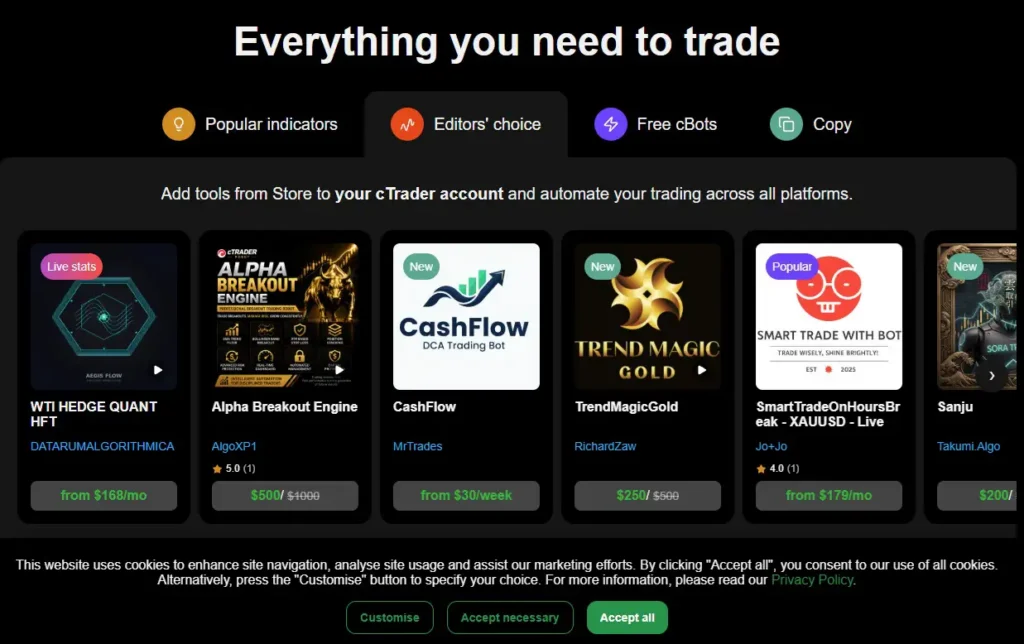
What cTrader offers:
- Full depth-of-market (DOM) data showing available liquidity at each price level
- Advanced order-management tools including detachable chart windows
- cBots: cTrader’s equivalent of Expert Advisors for automated trading
- Copy trading functionality built directly into the platform
- Clean, modern interface with a short learning curve for new users
Why cTrader appeals to active traders: The platform’s transparency around pricing is one of its most valued features. Unlike some forex trading platforms where spread data is less visible, cTrader displays the full order book, allowing traders to see exactly where liquidity sits. According to Spotware, cTrader processes orders in as little as 2 milliseconds under standard conditions, which is significant for strategies where execution speed affects outcomes.
Copy trading on cTrader: cTrader includes a native copy trading feature that allows beginner traders to mirror the positions of more experienced traders in real time. This is particularly useful for those who want market exposure while continuing to develop their own trading skills. Understanding how mobile forex trading tools in India work alongside platforms like cTrader can help beginners manage positions on the go.
Who cTrader is best for: Scalpers, day traders, ECN-style traders, and beginners interested in copy trading as a learning tool.
Availability: Desktop (Windows), web browser, mobile app (iOS and Android).
4. TradingView — Best for Charting and Technical Analysis
TradingView is the most widely used market analysis and charting platform in the world, with over 60 million registered users as of 2024. Unlike MT4, MT5, or cTrader, TradingView is primarily a research and analysis environment rather than a direct order-execution platform — though many brokers now allow traders to execute orders directly through TradingView’s interface via broker integrations.
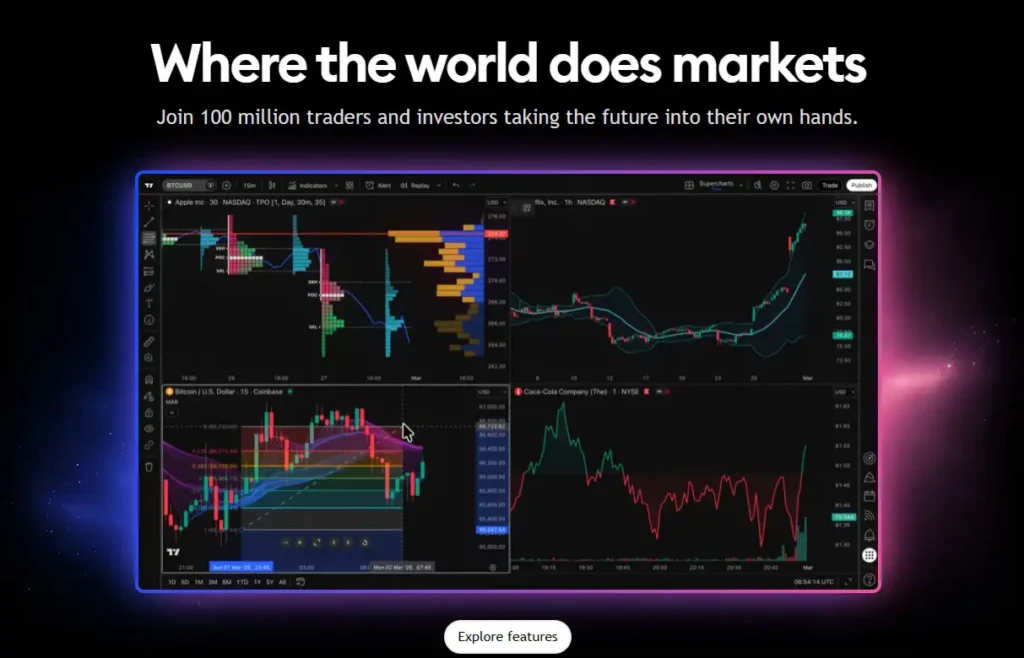
What TradingView offers:
- Over 100 built-in technical indicators and drawing tools
- Pine Script: a custom scripting language for building personal indicators and strategies
- Real-time market data across forex, stocks, indices, commodities, and crypto
- Alerts and notifications for price levels, indicator signals, and custom conditions
- A large community of published chart ideas and public trading strategies
TradingView as a learning tool: For beginner traders, TradingView’s published chart library is one of the most accessible ways to understand how experienced traders read and interpret price action. The platform’s paper trading feature — which simulates trades without real money — provides a risk-free environment in which traders can test strategy ideas before applying them on a live forex trading platform in India.
Spread and pricing note: Because TradingView itself is not a broker, spreads and trading conditions depend entirely on the broker integration chosen. Traders should compare broker offers carefully before executing live trades through TradingView.
Who TradingView is best for: Technical analysts, chart-focused traders, beginners who want to study markets before opening a live account, and researchers comparing currency pairs across global markets.
Availability: Web browser, desktop app (Windows, macOS), mobile app (iOS and Android).
5. TradeLocker — Best Modern Alternative to MetaTrader
TradeLocker is a newer forex trading platform designed to offer a cleaner, more intuitive alternative to the MetaTrader ecosystem. Launched with a focus on simplicity and usability, TradeLocker targets traders who find MT4 or MT5 visually dated and want a browser-first or mobile-first trading experience without sacrificing core execution tools.

What TradeLocker offers:
- On-chart trading: place and manage orders directly from the chart without switching screens
- Built-in risk management tools including position size calculators and stop-loss visualisation
- Web and mobile access without requiring desktop software installation
- Modern, minimalist interface designed to reduce decision fatigue
- Multi-account management from a single dashboard
Why TradeLocker matters in 2026: As mobile trading continues to grow — particularly among younger retail traders in India — platforms that prioritise mobile-first design are gaining traction. TradeLocker’s web-native architecture means traders can access their positions from any device with a browser, without configuring desktop software. For traders comparing various trading platforms before choosing a forex broker, TradeLocker represents what a next-generation platform interface looks like.
Risk management emphasis: TradeLocker’s on-platform risk tools — such as visual stop-loss placement directly on the chart — are particularly useful for beginner traders who may not yet have developed structured risk management habits. A clear visual representation of potential loss before a trade is placed can support better trading decisions. Traders who want to understand how risk connects to capital should also consider reviewing a forex broker comparison in India before committing to any single platform.
Who TradeLocker is best for: Traders who prefer modern interfaces over legacy platforms, mobile-first traders, and beginners who want intuitive risk management tools built into the platform itself.
Availability: Web browser, mobile app (iOS and Android) — availability varies by broker.
How to Choose the Best Forex Trading Platform in India
Choosing the best forex trading platform in India involves matching the platform’s features to your trading style, experience level, and practical requirements. No single platform is universally best — the right choice depends on several intersecting factors.
Key criteria to evaluate:
- Regulation and broker availability: A platform is only as reliable as the forex broker providing access to it. Traders in India should verify that the broker is regulated by a recognised authority — such as the Financial Services Authority (FSA), CySEC, or DFSA — before depositing funds.
- Demo account access: The best forex broker for a beginner will offer a demo account on the same platform used for live trading. This allows traders to develop familiarity with order types, charts, and indicators before any real capital is at risk.
- Spread and trading conditions: Spreads — the difference between the buy and sell price of a currency pair — directly affect the cost of each trade. A tighter spread generally means lower costs, but traders should also consider commission structures, swap rates, and minimum deposit requirements.
- Mobile app quality: For traders who need to monitor positions outside regular hours, the quality of the broker’s mobile app matters as much as the desktop platform. MT4, MT5, and cTrader all offer dedicated mobile apps with strong functionality.
- Automated trading support: Traders interested in Expert Advisors or algorithmic strategies should confirm that their chosen platform — and their broker — fully support automated trading without restrictions.
According to data reviewed by the European Securities and Markets Authority (ESMA), a significant proportion of retail investor accounts lose money when trading CFDs and leveraged forex products. Choosing a platform with strong educational resources, built-in risk management tools, and transparent trading conditions is one of the most practical ways to support better outcomes from the start of a trading journey.
FAQ
What is the best forex trading platform in India for beginners?
MetaTrader 4 is often considered a strong starting point for beginner traders in India because of its straightforward interface, wide broker support, and large library of educational resources. MT5 is a natural progression once a trader becomes comfortable with core platform features. Both are supported by M4Markets, which also provides access to social trading tools suited to those early in their trading journey.
Is forex trading legal in India?
Forex trading in India is legally permitted under specific conditions governed by the Reserve Bank of India (RBI) and SEBI regulations. Indian residents are generally permitted to trade currency pairs that include the Indian Rupee (INR) on recognised Indian exchanges. Trading offshore forex brokers through foreign currency pairs without RBI approval may create regulatory complications, so traders should verify the regulatory framework with a qualified financial or legal professional before opening a live account.
What is the difference between MT4 and MT5?
MT4 was built primarily for forex trading and remains one of the most widely used platforms for that purpose. MT5 was designed as a multi-asset platform and includes additional timeframes, more technical indicators, a deeper order book, and support for a broader range of instruments including stocks and commodities. Both platforms support Expert Advisors for automated trading, though the programming languages — MQL4 for MT4 and MQL5 for MT5 — are not directly compatible.
What is a spread in forex trading?
A spread is the difference between the price at which a broker will sell a currency pair (the ask) and the price at which the broker will buy it (the bid). For example, if EUR/USD has a bid of 1.0850 and an ask of 1.0853, the spread is 3 pips. The spread represents the primary cost of entering a trade on most retail forex platforms, and tighter spreads generally mean lower costs per transaction. Spread levels vary between brokers and between trading conditions, so comparing spreads is an important step when choosing a forex broker.
Can I use copy trading on forex platforms in India?
Copy trading is a feature available on certain platforms — most notably cTrader — that allows a trader to automatically replicate the positions of another trader in real time. This can be useful for beginners who want exposure to the forex market while continuing to observe and learn from more experienced traders. It is important to understand that copy trading does not eliminate risk — the copied trader’s losses are also replicated, and trading involves significant risk regardless of the method used.